If your practice or business is still paying for a landline system with a server…
How to Get a Virtual Phone Number for Your Australian Medical Practice in Under Five Minutes
Setting up a virtual phone number for your medical practice really can take under five minutes for the basic sign-up step. But a phone system that works for a busy clinic takes a little more thought than that. This guide walks through what using a virtual phone number in a medical practice involves and the quick setup process. And the practice-specific details, like after-hours triage and call routing across multiple practitioners. That determine whether it works well on day one or causes headaches by week two.
What is a Virtual Phone Number?
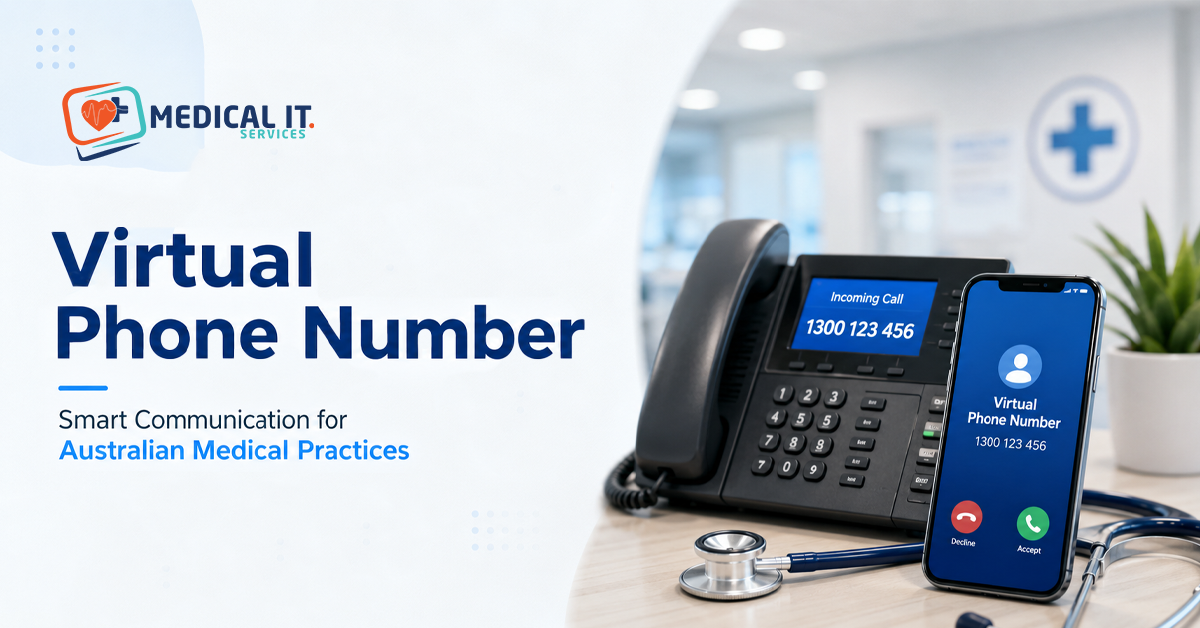
A virtual phone number is a business phone number that isn’t tied to a single physical phone line or handset. Calls arrive over the internet and can be routed to any device, a reception desk phone, a practitioner’s mobile, or a shared team app based on rules you set. For a medical practice, this means patients can call one consistent number, no matter how calls are being answered behind the scenes.
Most Australian VoIP and virtual number providers let you sign up, choose a number (including 1300 numbers or numbers with a local area code), and activate it within minutes. That timeframe is realistic, and the sign-up process is often quick. What takes longer and matters more for a clinic is configuring it properly.
The Five-Minute Setup: What It Actually Covers
The quick setup typically covers choosing your number, verifying your business details. And connecting a basic call-forwarding destination such as a mobile or existing landline. For a sole practitioner or very small practice, this alone might be enough to get started. For most clinics, though, this is the starting point, not the finished system.
Once the number is active, the real configuration work, call routing rules, after-hours behaviour, and any integrations with your booking or practice management software usually take an additional hour or two to set up properly and benefit from being done by someone familiar with how a medical reception actually operates day to day.
What a Medical Practice Needs Beyond the Basic Setup
Retail businesses and medical practices have very different call patterns. A missed call at a clinic might be a patient trying to report a concerning symptom or reschedule an urgent appointment, not just a missed sales opportunity. This changes what matters in the setup:
- Clear call routes, so reception, not voicemail, is the first point of contact during business hours.
- A defined after-hours pathway, such as a message directing patients to an after-hours service or triage line, or routing calls to an on-call practitioner.
- Call quality and reliability that hold up during busy periods, not just in a quiet test call.
- The ability to route calls according to the relevant practitioners or departments within the same practice.
Call Routing for Multiple Practitioners
Most virtual phone systems support routing rules based on the number dialled, the time of day, or a simple menu (an auto attendant) that lets callers choose a practitioner or department. For a multi-doctor practice, this typically means setting up a shared reception line that rings through to whichever staff member is rostered on, with a fallback to voicemail or an after-hours message if no one answers within a set number of rings.
For multi-site healthcare groups, the same virtual number system can often manage routing across multiple locations from a single configuration, which is far simpler to maintain than separate phone systems at each site.
After-Hours Messaging and Triage
What happens when a patient calls outside business hours matters just as much as what happens during business hours. A basic voicemail greeting is better than nothing, but most practices are better served by a clear message directing patients to an appropriate after-hours service or a nursing triage line, with instructions to connect to emergency services in an urgent situation, with the message being updated whenever your practice’s after-hours arrangements change.
Some virtual phone systems support scheduled messages that switch automatically based on the time of day, removing the risk of an outdated after-hours message being left in place by mistake.
Integrating with HotDoc and Practice Management Software
Many practices using HotDoc for online bookings and SMS reminders want their phone system to complement these services rather than operate as a separate system. A virtual phone number itself doesn’t automatically sync with booking software. However, a well-configured setup can include click-to-call functionality from reception’s practice management screen and consistent contact details across the phone and online channels. This can reduce confusion for patients calling about an online booking.
This is worth discussing with whoever sets up your virtual phone system, since the available level of integration varies by provider and the practice management software used by your clinic.
Call Recording and Privacy Considerations
Many virtual phone systems offer call recording as a standard feature, often for quality and training purposes. In a healthcare setting, this deserves a little more thought than in a typical small business, given the sensitive nature of what patients may discuss on a call. If you enable call recording, make sure your patients are informed appropriately (commonly through an automated message at the start of a call) and that recordings are stored securely and retained only for as long as necessary.
Which Setup Suits Your Practice? A Scenario-Based Guide
1. Solo GP or small allied health clinic
A single virtual number with simple call forwarding to reception, plus a clear after-hours message, usually covers the basics well without unnecessary complexity.
2. Multi-doctor general practice
A shared reception line with routing rules and defined after-hours triage becomes important here, given the higher call volume and multiple practitioners involved.
3. Multi-site healthcare group
Centralised configuration across all sites, with consistent after-hours messaging and routing logic, makes ongoing management far simpler than independently configured systems at each location.
Common Mistakes Practices Make
- Treating the quick sign-up as the finished setup, without configuring proper call routes or after-hours messaging.
- Leaving an outdated after-hours message in place when practice hours or on-call arrangements change.
- Not testing call quality during genuinely busy periods, only during a quiet initial test call.
- Enabling call recording without informing patients or considering how recordings are stored and retained.
- Choosing a provider based on price alone without checking whether Australian-based support is available if something goes wrong.
- Not planning for how the number will route calls if the internet connection itself goes down.
How Medical IT Services Can Help
Activating a virtual number is genuinely quick. The real value lies in configuring it properly for how your practice operates. Medical IT Services supports Australian medical practices by providing:
- Virtual phone number setup and configuration tailored to your practice’s call patterns and staffing.
- Correctly configured Call routing and after-hours triage messaging from day one.
- Guidance on integrating your phone system with HotDoc and your practice management software.
- Ongoing support to keep your phone system reliable as your practice grows or its after-hours arrangements change.
If you’re setting up a new virtual phone number or your current phone system isn’t quite working the way your practice needs. Medical IT Services can review your setup and configure it to meet your practice’s needs.
Conclusion
Getting a virtual phone number for your medical practice really can be done in under five minutes. The sign-up itself is genuinely that fast. What determines whether it serves your practice well is everything that happens next: call routing that gets patients to the right person, an after-hours message that’s accurate and current, and a setup that holds up during your busiest periods, not just a quiet test call.
Related Posts