Choosing an internet plan comparison in Australia shouldn't feel like decoding a phone bill. Between…
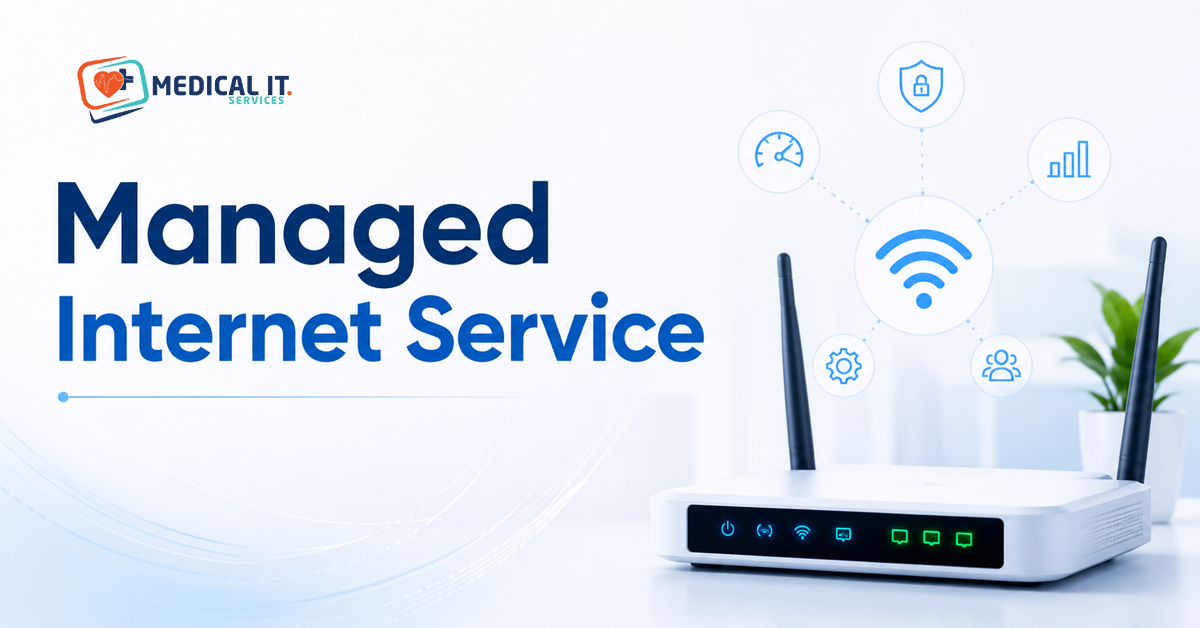
What a Managed Internet Service Includes: From Router Monitoring to Bandwidth Optimisation
Every managed IT provider’s website lists router monitoring and bandwidth optimisation as included features, usually as two bullet points among a dozen others, without ever explaining what they mean. For a medical practice, these aren’t abstract technical extras; they’re the difference between a telehealth call that holds up and one that drops mid-consultation. This guide explains what a managed internet service for a medical practice includes.
1. Managed Internet vs Just Having a Business Internet Plan
A business internet plan gets you a connection. A managed internet service actively watches, maintains, and optimises that connection on an ongoing basis. So problems are caught up and often fixed before your reception team even notices something’s wrong. For a medical practice where a dropped connection means a stalled telehealth call or an inaccessible patient record. That ongoing management is worth understanding properly, not just taking on faith as a line item.
2. Router Monitoring
Router monitoring means your router and network equipment are continuously checked for early warning signs, rising temperature, memory issues, and firmware needing an update, before they cause an actual outage. In practice, this means your provider might replace or reconfigure a struggling router during a quiet period on a Tuesday afternoon, rather than your practice discovering it failed at 9 am on a fully booked Monday.
3. Bandwidth Optimisation
Bandwidth optimisation means intelligently managing how your available internet capacity gets used, rather than treating all traffic equally. For a medical practice, this typically means prioritising practice management software and telehealth traffic over less time-sensitive activity, so a large file download or a software update happening in the background doesn’t slow down a doctor trying to pull up a patient’s history mid-consultation.
4. Proactive Fault Detection
Rather than waiting for your reception team to notice and report an outage, proactive fault detection means your provider’s monitoring systems flag problems the moment they begin, often before they cause any visible disruption. For a practice running telehealth or relying on cloud-based patient records throughout the day, catching an issue in its first few minutes rather than after an hour of frustrated staff calls is a genuinely meaningful difference.
5. Quality of Service for Clinical Priorities
Quality of Service (QoS) is the technical mechanism behind bandwidth optimisation, letting your network prioritise specific types of traffic. For a clinic, this can mean configuring your network so that access to patients’ records and telehealth calls always get priority, even during a busy period when reception is simultaneously processing EFTPOS payments, printing referral letters, and browsing for supplier orders.
6. Security Monitoring at the Network Level
A genuinely managed internet service typically includes monitoring for unusual network activity, not just the connection’s uptime. This adds a layer of protection against threats attempting to exploit your network itself, complementing (not replacing) endpoint protection running on individual computers within your practice.
7. Reporting You Can Actually Use
A well-managed internet service should provide reporting that means something to a practice manager, not just raw technical logs: uptime over the past month, any incidents and how quickly they were resolved, and bandwidth usage trends that might suggest it’s time to consider an upgrade. If your current provider can’t produce this kind of request report, it’s worth asking why.
8. Multi-Location Management for Healthcare Groups
For a healthcare group with multiple sites, a managed internet service should offer centralised visibility across every location from one dashboard, rather than treating each site’s connectivity as a separate, disconnected relationship. This makes it far easier to spot patterns, such as one site consistently underperforming, and to maintain consistent standards across the group.
9. What to look for in Your Contract
- Is router monitoring genuinely proactive, or only reactive once you report a problem?
- Does bandwidth optimisation specifically prioritise your practice management software and telehealth traffic?
- What’s the guaranteed response time once an issue is detected, in writing?
- Can you request a plain-English uptime and incident report on demand?
- Does the service include network-level security monitoring, or only connection uptime?
10. How Medical IT Services Can Help
Understanding what a managed internet service should include is the first step toward confirming your practice is getting it. Medical IT Services helps Australian medical practices through:
- Proactive router and network monitoring configured around your practice’s specific software and traffic priorities.
- Bandwidth optimisation genuinely prioritises telehealth and practice management software during consulting hours.
- Clear, practice-manager-friendly reporting on uptime, incidents, and usage trends.
If you’re not sure whether your current internet service is being actively managed or just passively provided. Medical IT Services can review your setup and confirm exactly what you’re getting.
Conclusion
A managed internet service is only valuable if what’s included matches what your practice needs, not just a list of bullet points on a sales page. Router monitoring, bandwidth optimisation, and proactive fault detection all mean something concrete: fewer surprises, faster resolutions, and a connection that prioritises what your practice genuinely relies on during consulting hours.
If you’re not sure whether your current internet service is being actively managed or just passively provided. Medical IT Services can review your setup and confirm exactly what you’re getting.
Related Posts