Choosing an internet plan comparison in Australia shouldn't feel like decoding a phone bill. Between…
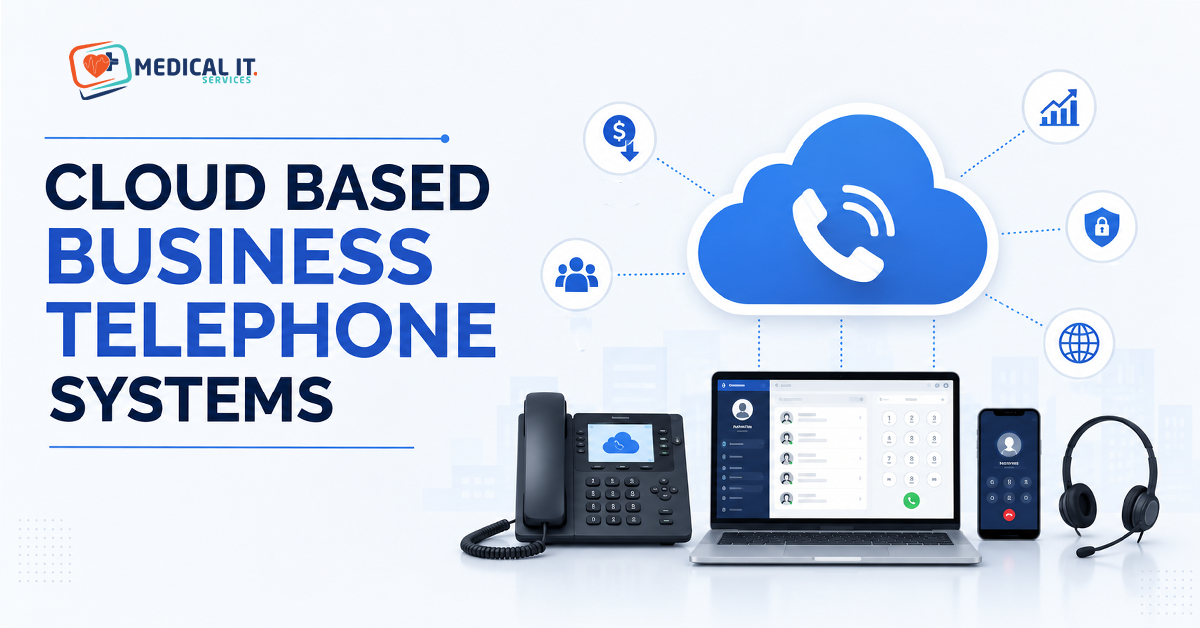
How Cloud-Based Business Telephone Systems Cut Costs and Support Remote Teams
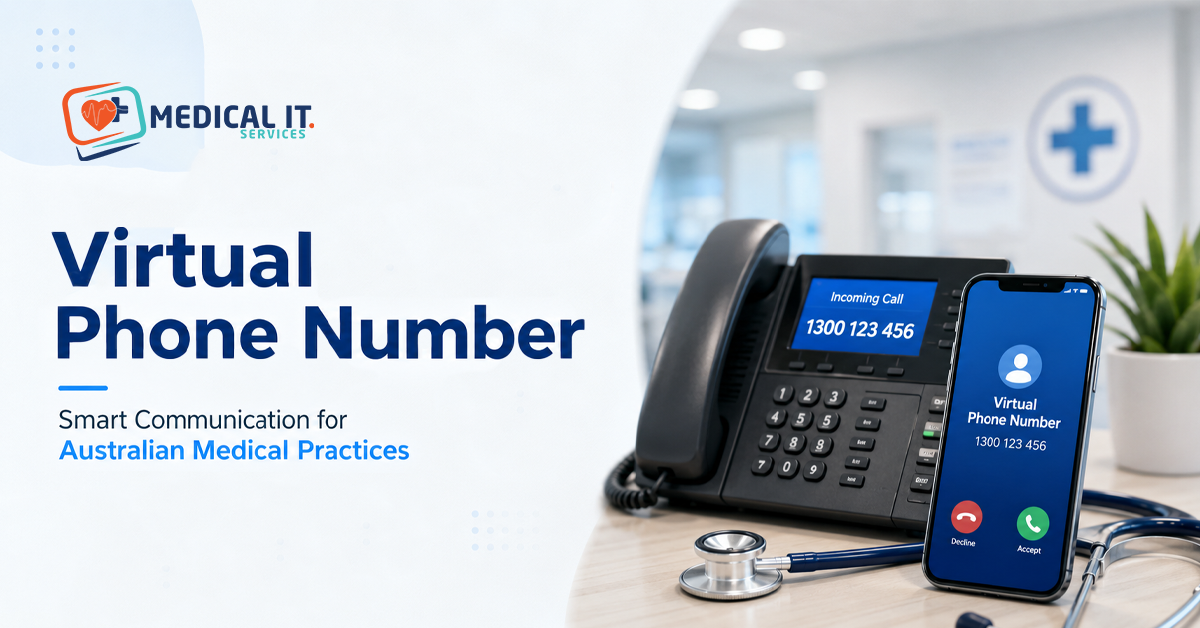
If your practice or business is still paying for a landline system with a server cabinet in the back office, you’re likely paying more than you need to for less flexibility than your team wants. Cloud-based business telephone systems, also known as VoIP or hosted PBX, route calls over the internet instead of copper lines, cutting hardware costs while letting staff answer calls from a laptop, mobile app, or desk phone, wherever they’re working. This guide explains how the cost savings work, what remote teams gain from switching, and what medical practices specifically need to get right when patient calls, triage, and after-hours coverage are on the line.
1. What a Cloud-Based Phone System Actually Is
A cloud-based phone system (cloud PBX or hosted VoIP) moves the call-management brain of your phone system off-site, into the provider’s cloud infrastructure, instead of a physical server cabinet sitting in your office. Calls travel over your internet connection rather than a dedicated copper line. Every call route, voicemail, auto-attendant menu, and call recording is configured and managed through a web dashboard.
2. How Cloud Telephony Cuts Costs
The cost case for cloud telephony comes from three places at once, not just a cheaper monthly bill:
- No hardware investment — no server cabinet, no per-line wiring, no proprietary handset contracts.
- No specialist maintenance — updates and security patches happen on the provider’s side, not via an on-site technician call-out.
- Lower per-user pricing — cloud VoIP typically runs $15–$55 per user per month depending on the feature tier.
| Cost Factor | Cost Factor Traditional PBX / Landline vs Cloud VoIP |
| Upfront hardware | Upfront hardware Traditional: server cabinet + wiring, often $10k+ | Cloud: none required |
| Maintenance | Maintenance Traditional: specialist callouts | Cloud: handled by provider |
| Monthly cost | Traditional: line rental + call charges | Cloud: $15–$55 per user/month, flat |
| Typical savings | 30–40% overall phone cost reduction reported after switching to cloud VoIP |
3. How It Supports Remote and Hybrid Teams
Because the phone system lives in the cloud rather than on a desk, a team member’s business number and full call-handling features travel with them to a home office, second clinic site, or on the road.
- Same number, any device — calls can ring a desktop app, mobile app, and desk phone simultaneously.
- No VPN or special setup — a stable internet connection is usually all that’s needed.
- Fast onboarding — a new staff member can be taking calls within minutes, not days.
- Consistent customer experience — routing, hold messaging, and queuing work identically in-office or remote.
For any organisation running hybrid rosters, on-call coverage, or multiple sites, this is the practical difference between a phone system that happens to work remotely and remote work being built into the phone system.
4. What Medical Practices Need That Generic Businesses Don’t
A general business phone system and a medical practice phone system look similar on the surface, but a clinic’s call patterns carry more weight. A missed call isn’t just a missed sale it can be a patient who needed an urgent appointment, a script renewal, or a pathology result.
Clinics need to plan for:
- After-hours routing that never goes silent — diverting to an after-hours service, nurse triage line, or on-call GP outside clinic hours.
- High call-volume handling — a receptionist managing a complex booking shouldn’t be the only line standing between the next six callers and a busy signal.
- Multi-role call flows — reception, appointments, accounts, and clinical staff often need separate queues and escalation paths.
- Caller ID integration — matching incoming numbers against practice management software so reception knows who’s calling.
5. Core Features Worth Paying For
- Auto-attendant / IVR — directs callers to reception, appointments, or accounts without tying up staff.
- Call queuing and ring groups — rings multiple phones simultaneously or in sequence so no caller hears a busy signal.
- Voicemail-to-email — missed messages land directly in the practice inbox.
- On-hold messaging — a genuine opportunity to inform callers rather than dead air.
- Mobile and desktop apps — let GPs, practice managers, and reception take calls from any device.
- Reporting and analytics — visibility into missed calls, peak times, and queue performance.
6. Compliance and Call Recording in Australia
If a practice records calls for training, dispute resolution, or quality purposes, that recording is subject to obligations under the Privacy Act 1988 and the Australian Privacy Principles (APPs), including how the recording is stored, who can access it, and whether callers are notified. This is a genuinely different compliance picture to the US HIPAA framework that dominates most cloud telephony content online, so it’s worth confirming with your provider (and, where needed, your own compliance advisor) exactly how call recordings are stored and secured before switching the feature on.
Beyond recording specifically, look for a provider that can speak clearly to encryption in transit, access controls on call logs and voicemail, and audit trails to the same standards you’d expect from any system touching patient-related information.
7. What Happens If the Internet Goes Down?
This is the most common objection to VoIP, and a fair one: a cloud phone system depends on a working internet connection. The practical answer is redundancy, not avoidance:
- A stable, sufficiently provisioned business internet connection is the foundation.
- 4G/5G mobile failover can keep the phone system reachable even during a fixed-line outage.
- Most cloud providers include automatic call forwarding to a mobile number as a fallback if the primary connection drops.
For a clinic where a missed call can mean a missed urgent appointment, this redundancy planning isn’t optional; it’s part of choosing the right provider in the first place.
8. Switching Without Disrupting Patient Calls
Moving from a landline or old PBX to cloud telephony doesn’t need to mean downtime or a new phone number. Most providers support:
- Number porting, keeping your existing practice number intact.
- Parallel running, where the new system is tested and configured before the old one is switched off.
- Staged rollout, migrating reception first, then clinical and admin lines, to limit disruption.
A properly planned switch is typically invisible to patients; the only change they notice is a phone system that answers faster and routes them correctly the first time.
Conclusion
Cloud-based business telephone systems aren’t just a cheaper alternative to a landline; they’re a more flexible way to run a business or practice where calls genuinely matter. The cost savings are real and well-documented, but for medical practices specifically, the bigger win is control: after-hours routing that never goes silent, call recording that meets Australian privacy obligations, and a system that keeps working even when the internet doesn’t.
If your practice is weighing up a switch to cloud telephony or you’re not sure your current setup handles after-hours calls, patient data, and compliance the way it should medicalit.services can review your phone system alongside your broader IT and cybersecurity setup and recommend an approach built for healthcare. Get in touch with a free IT assessment.
Related Posts