A receptionist left in March, and her login still works. One laptop hasn't been patched…
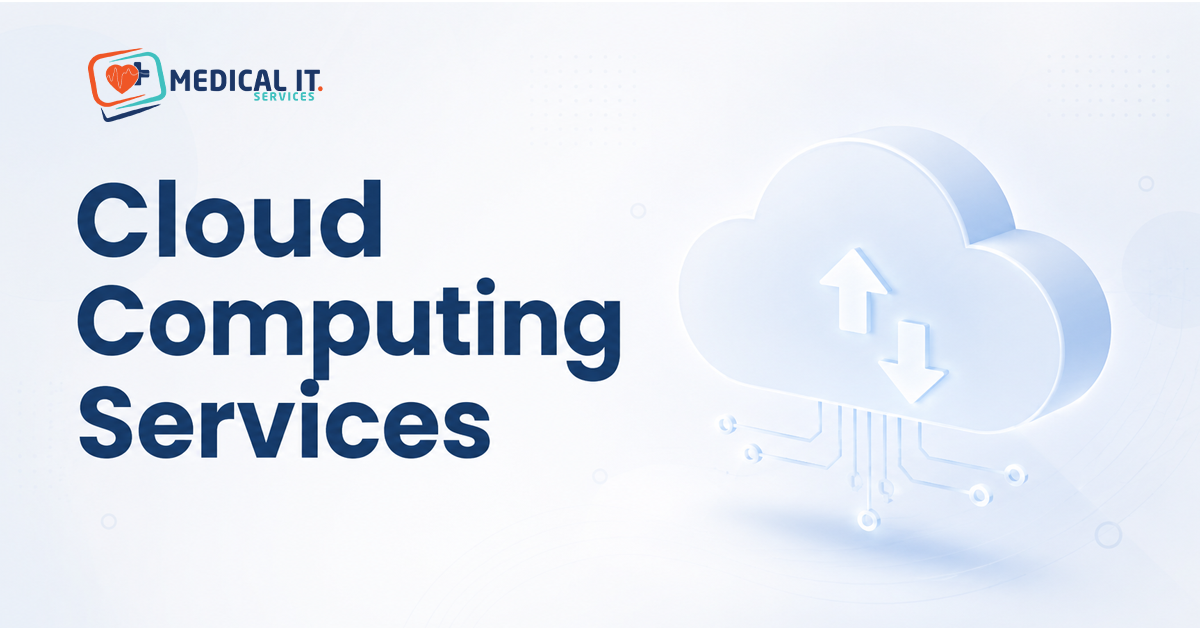
Understanding Cloud Computing Services: From IaaS and PaaS to SaaS for Medical Practice Growth
Cloud Computing services like IaaS, PaaS, and SaaS sound like alphabet soup. Here’s the good news: your practice is probably already using one of them every day. Cloud computing for medical practices isn’t an abstract enterprise IT concept; it’s the practice management software you log into every morning. This guide explains what each of these three cloud service models means, using examples a GP clinic will immediately recognise, so you can make informed decisions as your practice grows.
The Three Models, Explained with a Practice You Already Know
IaaS, PaaS, and SaaS describe three different layers of cloud computing, each handing you a different amount of ready-made convenience versus control. Think of it like renting a fully furnished apartment (SaaS), renting an empty apartment with plumbing and electricity already connected (PaaS), or leasing bare land with utilities available to connect yourself (IaaS). Most medical practices interact almost entirely with the first layer, and that’s exactly why it’s the right place to start.
1. SaaS: The Layer Practice Already Uses
Software as a Service (SaaS) means using fully built, ready-to-go software over the internet, without installing or maintaining anything yourself. Best Practice Software, Medical Director, Genie Solutions, and HotDoc are all SaaS products. You log in, use the software, and the provider handles updates, security patching, and infrastructure entirely behind the scenes.
If your practice runs on cloud-based practice management software, you’re already a cloud computing customer, whether anyone ever used the term SaaS to describe it.
2. PaaS: Where It Becomes Relevant for Growing Practices
Platform as a Service (PaaS) provides a ready-made environment for building or customising software, without needing to manage the underlying servers yourself. This becomes relevant if your practice, or a healthcare group you’re part of, ever commissions custom software, a specialised patient portal or an internal reporting tool, since PaaS is often what the developer building it would use.
3. IaaS: The Foundation Underneath Everything
Infrastructure as a Service (IaaS) provides raw computing resources, virtual servers, storage, and networking that a business can configure however it needs. This sits underneath both PaaS and SaaS, and underneath most of the internet generally. A multi-site healthcare group with genuinely custom infrastructure needs might use IaaS directly, but for most practices, this layer is something your software vendors handle on your behalf, invisibly.
Data Residency and Compliance Considerations for Clinical Data
Whichever cloud layer is involved, healthcare data brings specific considerations that generic cloud computing advice doesn’t cover. It’s worth confirming where your practice management software vendor stores patient data (data residency), whether their infrastructure supports the safeguards expected under RACGP and NSQHS Standards, and what happens to your data if you ever switch providers.
These questions matter regardless of which service model is technically involved, since patient data sensitivity doesn’t change based on which layer of the cloud stack is storing it.
Which Model Does Your Practice Actually Need?
1. Solo GP or small allied health clinic
SaaS is almost certainly all you need. Choosing well-supported, cloud-based practice management software and trusting the vendor with everything underneath is the right level of engagement for most solo practices.
2. Multi-doctor general practice
Still primarily SaaS, though it’s worth understanding your software vendor’s data residency and compliance posture more thoroughly, given the larger volume of patient data involved.
3. Multi-site healthcare group
This is where PaaS or IaaS occasionally becomes directly relevant, particularly if the group is considering custom-built internal tools or centralised infrastructure across sites.
How This Supports Practice Growth
Understanding these layers helps you ask better questions as your practice grows: whether new software your practice is considering is genuinely well-supported SaaS or something requiring more in-house technical management, and whether a growing multi-site group’s infrastructure needs are being appropriately planned for rather than accumulated piecemeal.
How Medical IT Services Can Help
Understanding these layers is useful background knowledge; knowing what applies to your practice’s specific setup is what matters day to day. Medical IT Services helps Australian medical practices through:
- A review of your current practice management software and its data residency and compliance posture.
- Guidance on cloud infrastructure needs for multi-site healthcare groups considering custom tools.
- Ongoing support ensuring your cloud-based systems stay aligned with RACGP and NSQHS expectations.
If you’re evaluating new practice software or planning infrastructure for a growing healthcare group, Medical IT Services can help you understand exactly what you’re adopting and what questions to ask first.
Conclusion
Cloud computing for medical practices doesn’t need to feel like an enterprise IT lecture. If your practice uses a cloud-based practice management software, you’re already using SaaS successfully every day. Understanding the layers underneath, PaaS and IaaS, mostly matter if your practice or healthcare group grows into needing custom-built tools or larger shared infrastructure, at which point asking the right compliance and data residency questions matters more than the technical label itself.
If you’re evaluating new practice software or planning infrastructure for a growing healthcare group, Medical IT Services can help you understand exactly what you’re adopting.
Related Posts