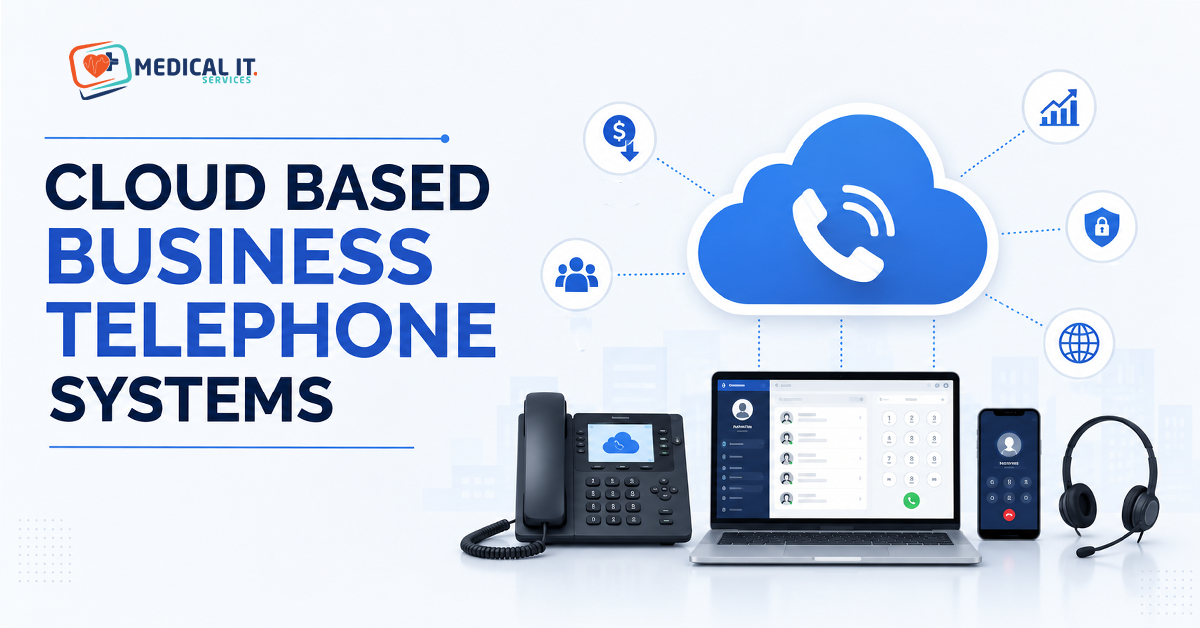
If your practice or business is still paying for a landline system with a server…
Simple Cell Phone Security Steps to Protect Business Data on Employee Personal Devices
Nowadays, many people also do office work from their personal mobile phone, such as checking email, sending files and using company accounts. This method is simple, but if the mobile is not secured, the company’s important data may be at risk. Hackers or viruses can steal data from mobile phones, which can cause business damage. Therefore, mobile security is very important.
Everyone should have a strong password on their phone and not install any needless apps. It is also important to always keep the mobile updated so that new security features can be used. Caution should be exercised when using public Wi-Fi as it increases the risk of data theft. If the mobile phone is lost, the company should be informed immediately. By taking small precautions, business information can be kept safe.
Use a strong password
It is very important to set a strong password in the mobile phone because it is the first protection of your personal and office data. If the password is simple like 1234, 0000 or your name, then anyone can easily unlock the phone. This can put important company information, emails and files at risk. So always choose a password that contains letters, numbers and special characters. Fingerprint and face lock also make the mobile more secure.
Many people use the same password everywhere for convenience, but this habit can prove harmful. If one account gets hacked, other accounts are also at risk. Therefore, it is better to have separate passwords for different accounts. It is also a good habit to change your password from time to time. A strong password plays an important role in protecting your business data.
Keep the phone updated
Keeping mobile phone updated is very important for security. Whenever the company releases a new software update, it fixes the bugs in the old system. If the phone is not updated, viruses and hackers can exploit these vulnerabilities. Therefore, mobile key updates should not be ignored. New updates also improve the phone’s performance and strengthen security.
Many people delay updates to save on the internet or storage. But this habit can be harmful. Using an older system increases the risk of data theft or app corruption. It is better to turn on auto update on the mobile so that new updates are installed automatically. A secure and updated mobile phone plays an important role in keeping business information safe.
Install only safe apps
It is very important to be careful while installing apps on a mobile as not every app is secure. And mostly, some fake or suspicious apps can steal user information or introduce viruses into the phone. So apps should always be downloaded from an official store like Google Play Store or Apple App Store. Installing apps from unknown websites can prove dangerous.
Before installing the app you must check its reviews, rating and permissions. Don’t use an app that requires needless info such as access to contacts or files. Insecure apps can expose not just personal information but important enterprise data too. Secure apps make your mobile more secure and they also lower the risk of commercial data theft.
Beware of public Wi-Fi
Using public Wi-Fi is convenient but not always secure. Hackers can easily steal people’s data on a free Wi-Fi network in a cafe, hotel, airport or shopping mall. If someone uses such a network for office e-mail or important files, the risk of information leakage in the company increases. Therefore, sensitive work should be avoided on public Wi-Fi.
If you must use public Wi-Fi, it is best to use a secure service such as a VPN. Also, two-step verification should be turned on for important accounts. It is also a good habit to forget the protected Wi-Fi in the phone after using the public network. A little caution can save your mobile and business data from major damage.
Make a backup of the data
Every company has some security rules to protect its data. It is the responsibility of every employee to follow these principles. If employees ignore company guidelines, sensitive information can be leaked. So it’s crucial that you use office accounts, apps and files in line with corporate rules. Such ideas enable to protect information of business.Many mobile apps and services allow auto backup which makes it easier for the user. Backup not only protects personal data but also business files. If the phone is damaged, all data can be recovered when using a new phone. The habit of making regular backups helps reduce business losses and protects important data.
Follow company rules
Every company has some security rules to protect its data. It is the responsibility of every employee to follow these principles. If employees ignore company guidelines, sensitive information can be leaked. So it’s crucial that you use office accounts, apps and files in line with corporate rules. Such ideas enable to protect information of business.
Many companies are instructed to use specific apps or secure networks. Sometimes employees are also asked to install antivirus or security software on personal mobile phones. Following these guidelines reduces the risk of hacking and data theft. If every employee follows security principles responsibly, the entire organisation can be protected and business losses can be avoided.
Report lost mobile immediately
If a mobile phone is lost or stolen, it is very important to notify the company or IT team immediately. Delays can allow hackers or miscreants to gain access to office information on the phone. Timely notice helps the organisation to take action in a timely manner, such as terminating accounts or remotely wiping phone data.
People often want to locate their phone first and wait to report it, but it can put important information at danger as well. Therefore, it is necessary to be familiar with the company’s security protocols. It’s also helpful to have services like Find My Device enabled on in mobile. Quick action can help, and also safeguard critical information to prevent significant damage.
Related Posts