Why IT Support for Healthcare Requires Specialised Knowledge of Clinical Systems and Patient Privacy
Most managed IT providers list healthcare as one of several industries they serve, right alongside…


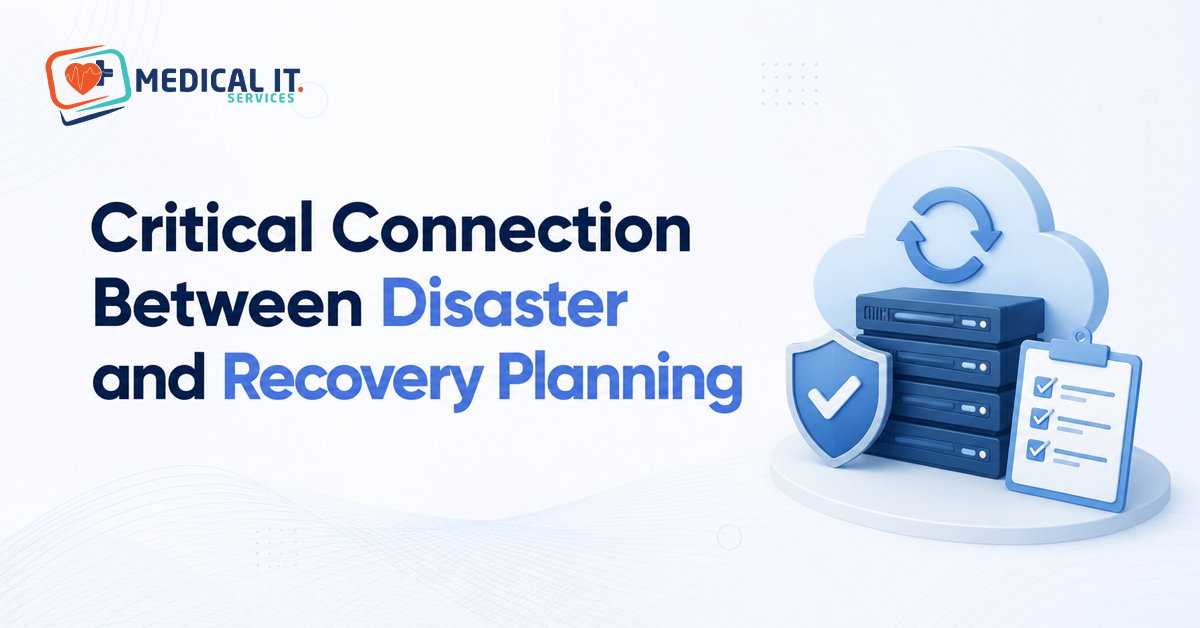
Every medical practice has a plan for clinical emergencies. Far fewer plan properly for the moment when their systems, not their patients, are the ones in crisis. A disaster recovery plan for a medical practice isn’t a generic IT document. And borrowed from a template written for a retail business. It needs to protect the thing that matters most in a clinical setting: uninterrupted, trustworthy access to patient records. This guide explains why disaster planning and recovery planning are really two halves of the same problem, and how to build a plan that’s proportionate, realistic, and usable when something goes wrong.
It’s tempting to treat ‘disaster planning’ and ‘recovery planning’ as two separate projects, one about preventing bad things from happening, the other about fixing things afterwards. In practice, they’re inseparable. A disaster recovery plan for a medical practice only works if it accounts for the specific disasters your practice could realistically face, and a list of possible disasters is only useful if it’s paired with a concrete, tested way to recover from each one.
This matters more for medical practice than almost any other small business, because the thing being protected isn’t just revenue or convenience; it’s continuous, accurate access to patient records, prescribing history, and clinical notes that directly affect patient care.
These three terms are often used interchangeably, but they describe different layers of protection, and a proper plan needs all three.
A backup is a copy of your practice data that is stored somewhere separate from the original. Having a backup means your data still exists somewhere after an incident, but it doesn’t mean you can necessarily get back up and running quickly.
Disaster recovery is the process and plan for restoring your systems and data after an incident, including how long that takes and how current the restored data will be. This is where RTO and RPO, covered below, come in.
Business continuity is the broader plan for how your practice keeps operating, or resumes operating quickly, while systems are being restored, including how staff communicates with patients, whether paper-based fallback processes exist, and who’s responsible for what during an incident.
The recovery time objectives (RTO) indicate how long a medical practice can go without access to the system. And how it impacts operations or patient care. RTO of a few hours for a non-critical system might be good for solo practice. But access to patients’ records should be much quicker because of the importance of patient care.
Recovery Point Objective (RPO) is how much data your practice can afford to lose, measured in time. If your backups run once every 24 hours and a disaster strikes just before the next backup, your RPO determines whether you lose a few hours of data entry or a full day’s worth of consultations and notes. For medical practice, a shorter RPO, achieved through more frequent backups, is almost always worth the extra cost.
RACGP accreditation standards and the broader NSQHS Standards both expect general practices to demonstrate appropriate safeguards for patient information, including backup and recovery arrangements. While these standards don’t typically prescribe a specific technical solution, they do expect a practice to be able to show it has considered the risk and has a documented, workable plan, not just an assumption that ‘the cloud handles it’.
Being able to demonstrate a tested disaster recovery plan is increasingly relevant not just for accreditation, but for cyber insurance applications, which are asking more detailed questions about backup and recovery arrangements than they did even a few years ago.
A disaster recovery plan that’s never been tested is just a document, not a working plan. Regularly restoring a sample of backed-up data, ideally at least twice a year, confirms that backups are working and that the restore process functions as expected. Many practices only discover a backup has been silently failing for months when they try to use it during an actual emergency, which is exactly the wrong time to find out.
A short tabletop exercise, walking through ‘what would we actually do if this happened tomorrow’ with key staff, is a low-cost way to surface gaps in the plan without needing a fully simulated outage.
A well-configured automated cloud backup with a documented, simple recovery process is usually sufficient, provided it’s tested at least once a year.
A more formal written plan with defined RTO/RPO targets per system and a nominated staff member responsible for initiating recovery becomes worthwhile given the higher operational stakes.
A centrally coordinated plan covering all sites, with consistent backup standards and a tested communication protocol between sites during an incident, is essential given the scale and complexity involved.
Building a disaster recovery plan that’s genuinely proportionate to your practice. Rather than either dangerously thin or needlessly complex, is exactly where a healthcare-specialist IT partner adds the most value. Medical IT Services helps Australian medical practices through:
If your practice doesn’t have a documented, tested disaster recovery plan. Or you’re not confident your current backups would work in an emergency. Medical IT Services can assess your setup and help build a plan that’s realistic for how your practice operates.
Disaster and recovery planning aren’t two separate boxes to tick; they’re a single, connected discipline. And treating them that way is what protects your practice and your patients. A realistic, tested disaster recovery plan doesn’t need to be enterprise-scale or expensive to be effective. It needs to reflect the risks your practice genuinely faces and be something your team could follow under pressure.
If your practice doesn’t have a documented, tested disaster recovery plan. Or you’re not confident your current backups would hold up in a real emergency. Medical IT Services can assess your setup and help build a plan proportionate to how your practice runs.